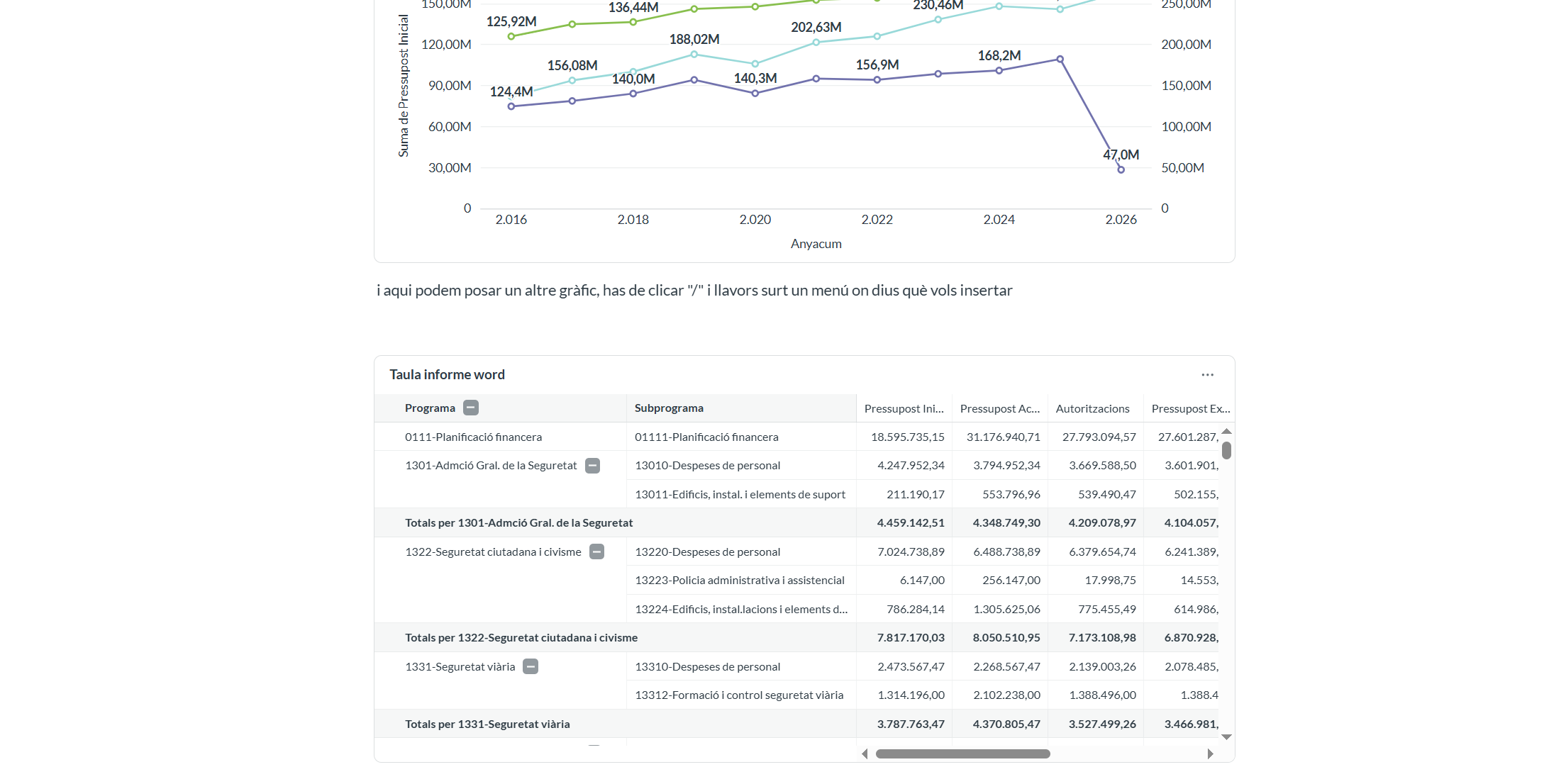
Hi, is it possible to change de Layout of a document?
my table is quite wide and needs more space…
Hey AQuer,
Documents in Metabase have a fixed page width, there's no landscape or full-width toggle in the UI yet. Few ideasL
Embed the table as a saved question instead of inserting it inline. Embedded cards get their own horizontal scroll, so a wide table doesn't have to fit the document width.
Trim the table itself: hide columns you don't reference in the text, shorten headers, and use compact number formatting (e.g. 4.35M instead of 4,348,749.30). Often that's enough to make it fit.
Pivot it taller, not wider: put metrics on rows instead of columns. Works well for budget breakdowns like yours.
If the table is mostly for reference, link out to the question and keep a small summary chart inside the doc.
Thanks a lot for your answer.
The point is that we’ll use Metabase to create a final PDF containing both data and comments. What we’ll share is the PDF itself, so there won’t be any links or scrolling available.
We need a wide table showing all years, and they don’t want any alternative to the format they are already used to.
I need to think of another workaround. Do you have any ideas?
My first thought was to use Python to run all the questions in a folder and export the results to an Excel file. Is there a better option?
Thanks a lot!
Couldn’t you just create a regular dashboard, then share that? With 63, you can subscribe to an email version (just check your formatting).
it’s a very long rapport… and we need comments in there. But I check, maybe is better to create a pdf from dashboard , thanks
If you create the dashboard with multiple tabs, Metabase will do a page throw for each new tab.