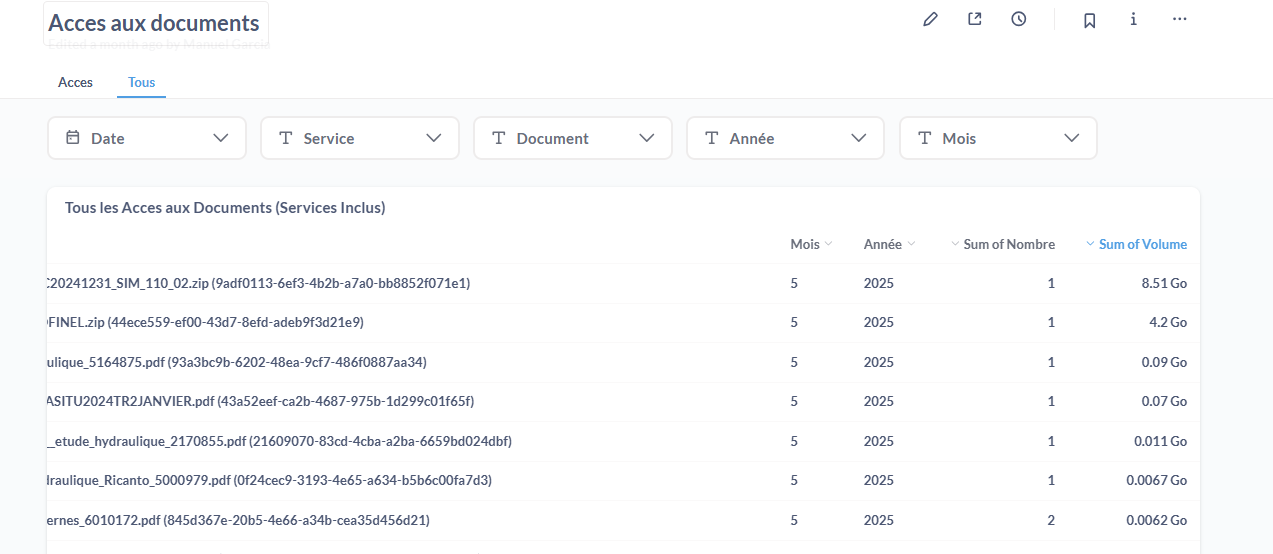
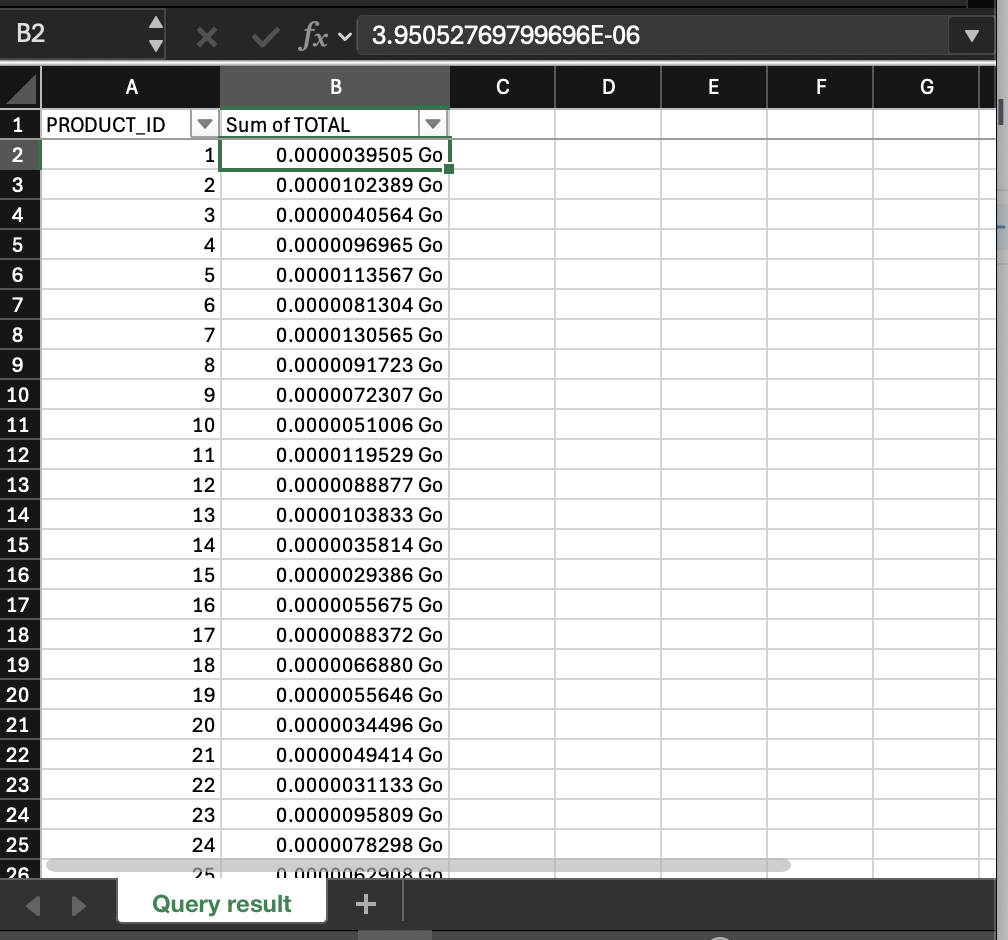
I have a table chart with cell values. Those values come from the database in bytes and present them in the cell in GB.
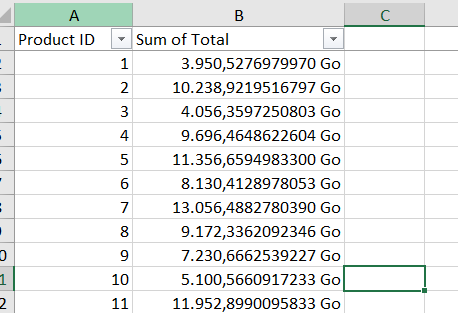
In the chart it’s OK, but when i export the table to excel, the values come in Bytes instead of GB.
Why the export option is not exporting the transformed value (as it appears in the dashboard) instead of exporting the value that comes from the database?
Are you downloading a card in a dashboard (using 3-dot menu → Download results), or downloading from the question directly (using the cloud-with-arrow button in the bottom right)?
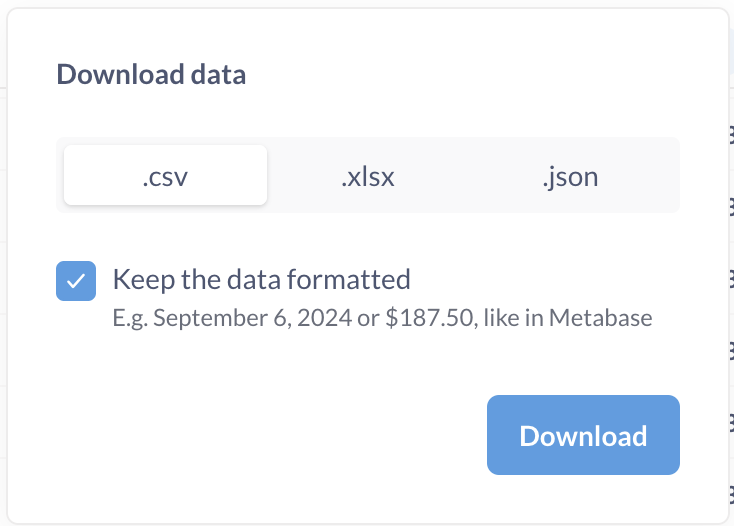
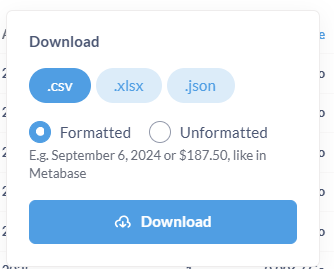
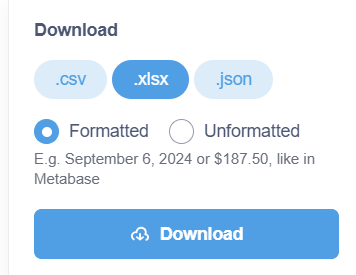
In both cases, you should get a dialog like this one:
If you leave “Keep the data formatted” checked, you should get the data as you see it. If you clear the checkbox, you’ll get the unformatted data directly as it comes out of the database.
Is the problem that you have left the “Keep the data formatted” box checked but the resultant Excel sheet doesn’t have the formatting?
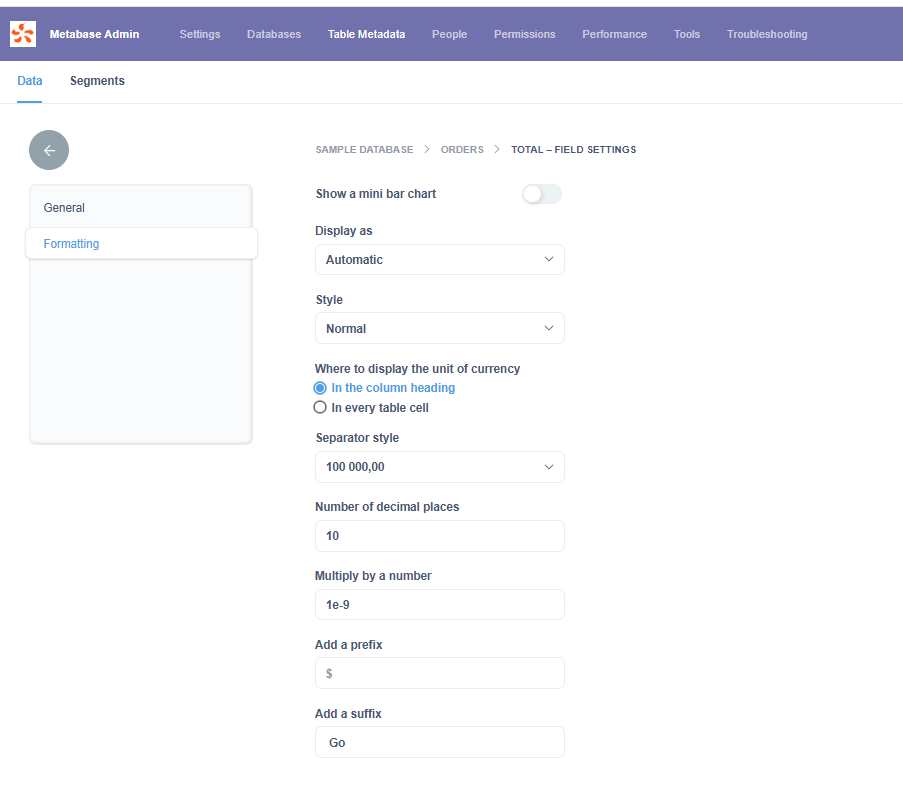
I can’t reproduce this on Metabase 0.56.4.2. It correctly exports the value as formatted. The suffix is added using a Custom cell formatting. Check that the output cell formatting is correct, and that you don’t have some sort of global format style that would override the value somehow. I tested it both by setting the scale to 0.0001 and 1e-9 and both sheets have the correct value, though the one with the 1e-9 scale displays the value as “0” due to the default cell formatting.
Reproduction steps:
Create a question from Sample Database → Orders, select whatever data you want, but make sure the Total column is output.
Switch to the visualization and bring up the column settings for Total. Set the “multiply by a number” to whatever you want and set the suffix, I used “ Go” (note the leading space).
Save the question and place it on a dashboard.
Open the dashboard and download the results from the 3-dots menu. Make sure “Keep the data formatted” is checked.
Open the downloaded Excel sheet in Excel and verify the output is correct.
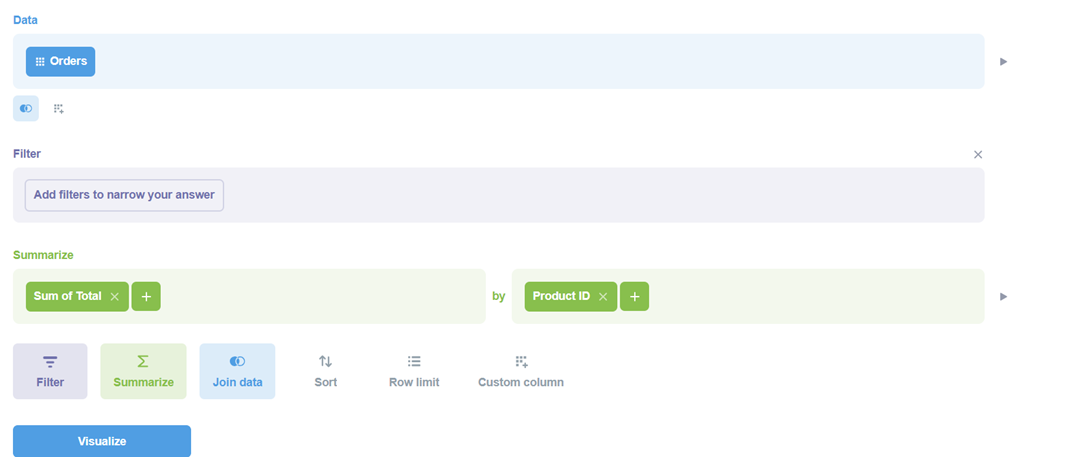
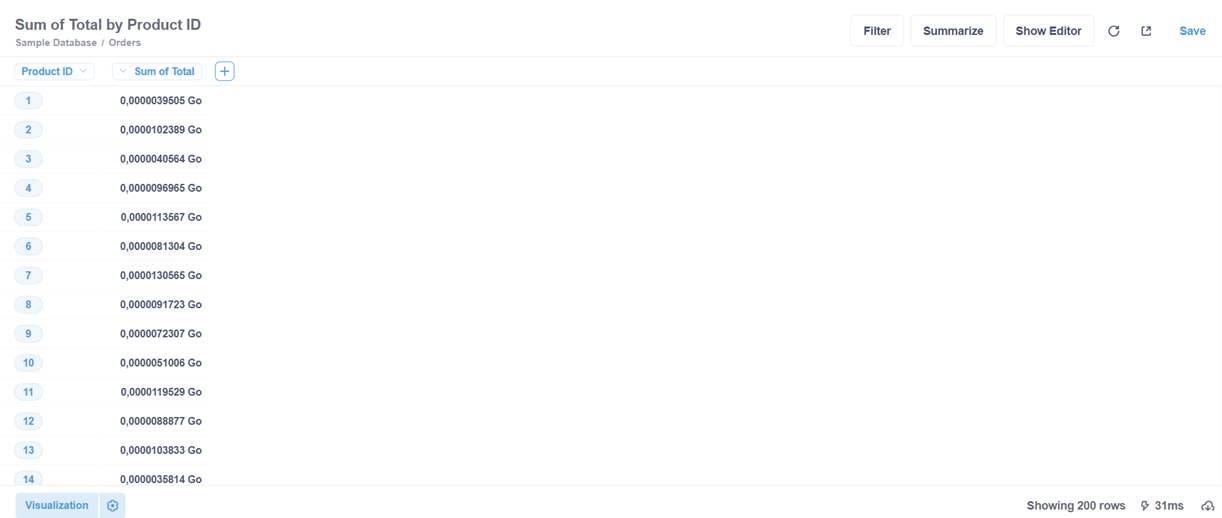
thank you for the explanation. It works only when there is no aggregation. If we use aggregation it doesn’t work. Please see the steps below with the Default Orders Table form Metabase:
Nope, not reproducing on Metabase 56. Seems like a fixed bug. Can you check that the field value is correct? I made sure to show it in my screenshot (Excel Version 16.100.4 on macOS). One thing to note is that the decimal separator is different (mine is using US customary), which I assume is coming from locale settings either in Excel or the OS.
I had to set the product_id column to display as original value as in this version it wants to display the product name instead, following the “foreign” key.
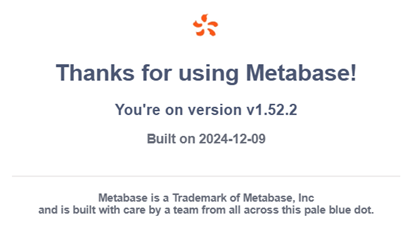
The field value is correct. We're using the Total field from the Orders table. If we don't use an aggregate field, it works correctly; if we use aggregates, it doesn't. Could you try the version we have ? It's the version:
I don’t have a way to try old versions. But you appear to be running the Paid version, which entitles you to support from Metabase. Metabase keeps old test environments around and can assist.