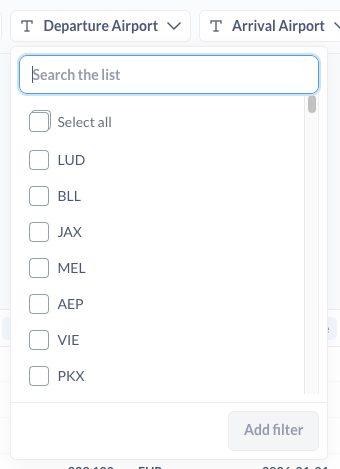
In one of my dashboards I can see all the options in the filter:
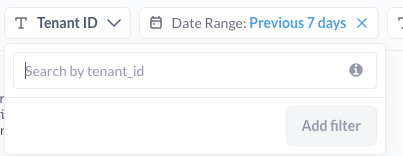
But in other dashboard I only can use the search (and it is very slow)
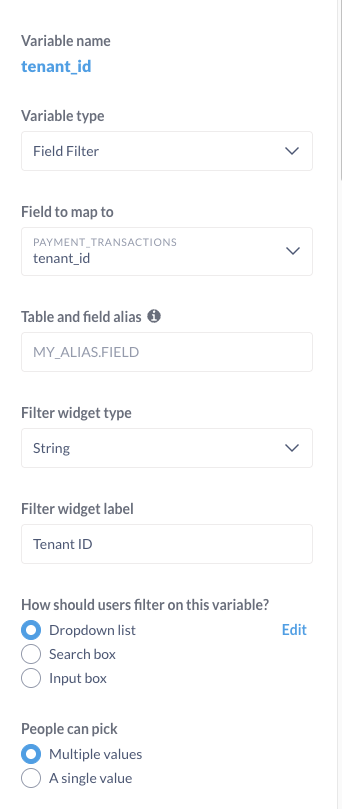
The settings for both variables are the same in the charts (it is true that different charts may get this data from different tables)
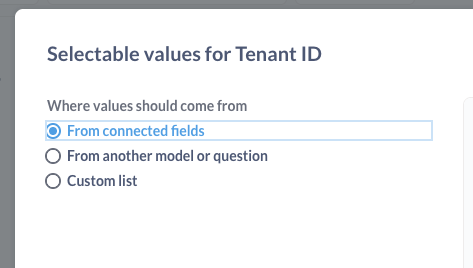
How can I force the dashboard filter to preload the options? and how can I configure how the options are loaded? It will be very easy and fast with a custom query at the level of the dashboard filter.
The filter type is set through Table Metadata under Field Settings → Behavior. In some cases Metabase may override your setting, usually if the values are very long. You can clear & resync values from that panel if you need to. Use the Preview button to see how the filter will look, this will do a value sync on the column if it hasn’t been done.
The query to generate the field values is not filtered and can take a long time to populate if the table is large. Metabase will also discard and not resync values if you don’t use the field as a filter after a set amount of time.