Greetings Community Experts,
I have a requirement where users need to examine malaria RDT (rapid diagnostic test) kit images and update test results via a dashboard action after carefully reviewing each image.
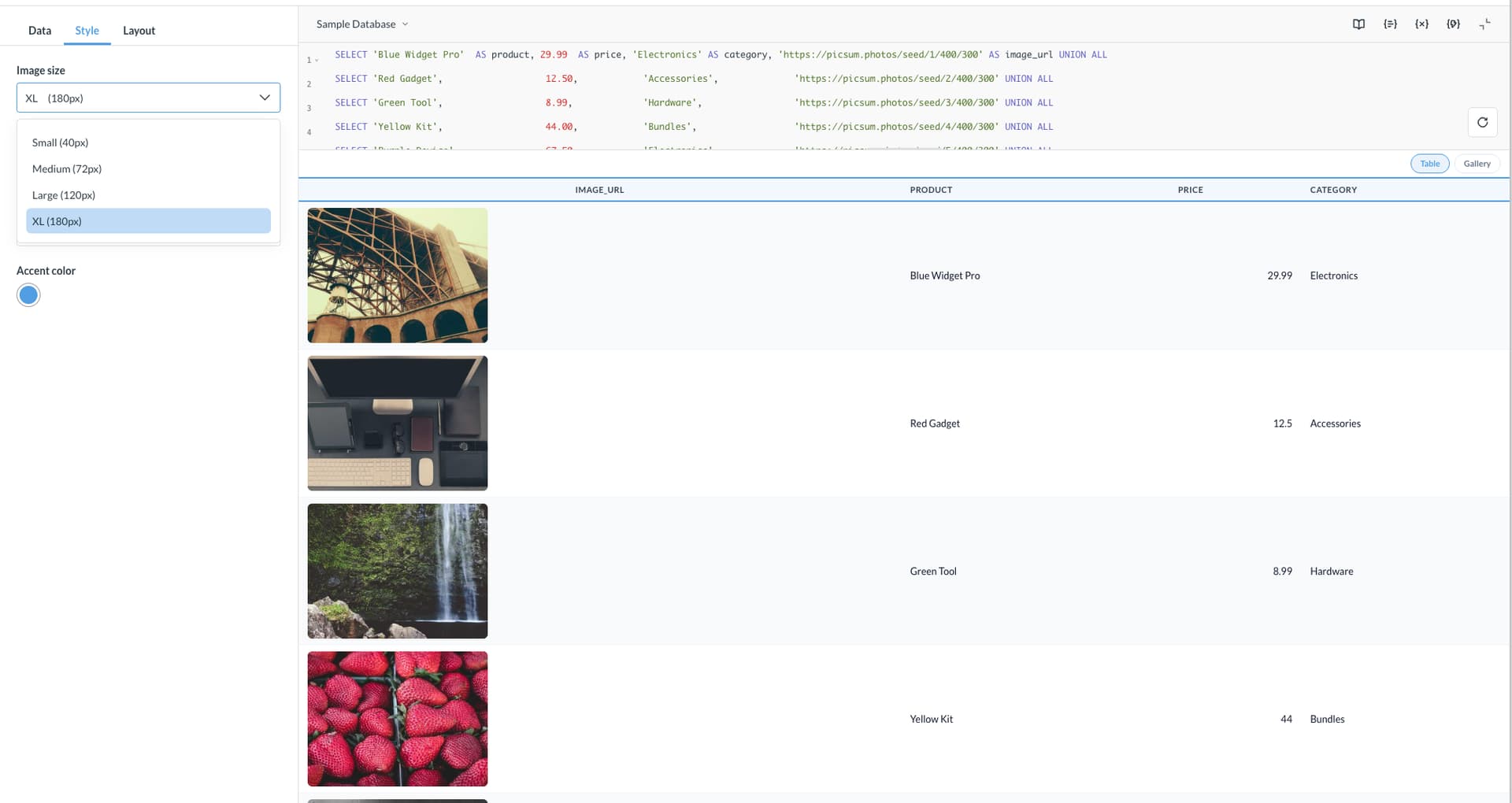
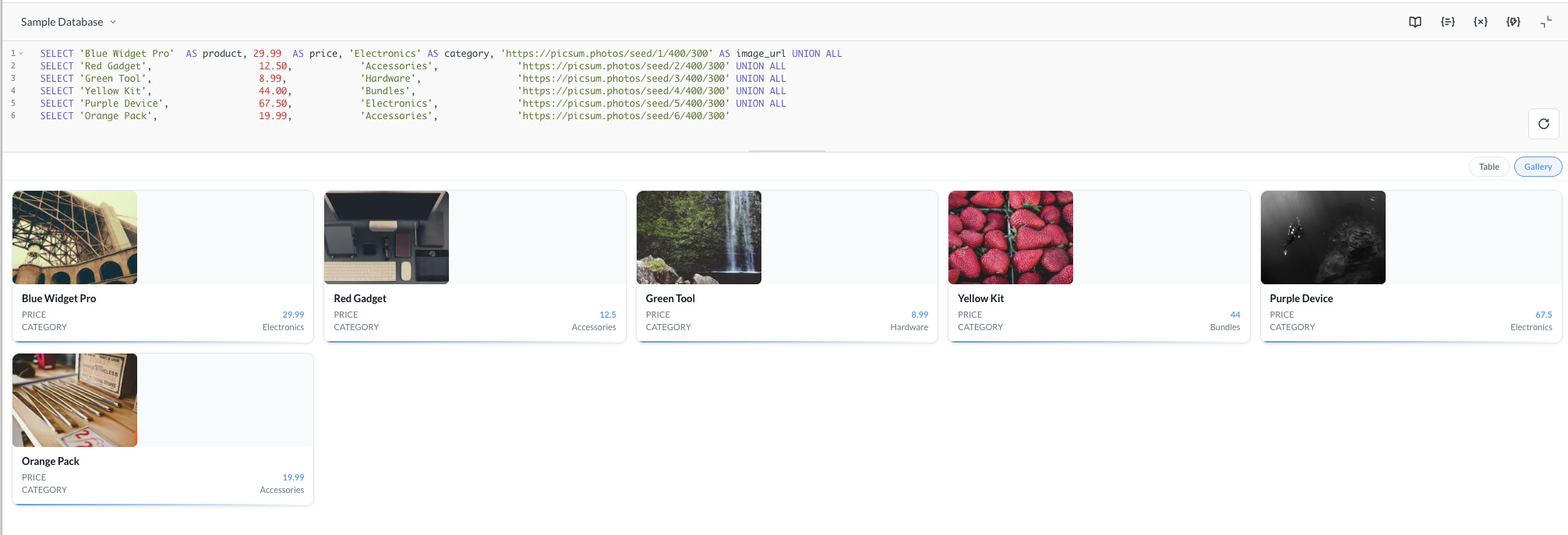
Current Challenge: The images display in the dashboard, but they're too small to properly evaluate the test results. I cannot zoom in or open them in a popup window directly from the dashboard view. I can open the image in detail if i go to the model view, but not directly as a standalone popup from the dashboard itself.
What I'm Looking For: Do you have any suggestions, workarounds, or tips to either:
-
Display images in a larger size directly on the dashboard, OR
-
Open images in a popup window so users can examine them closely before using the Metabase "Actions" feature to update results?
Any guidance would be greatly appreciated!