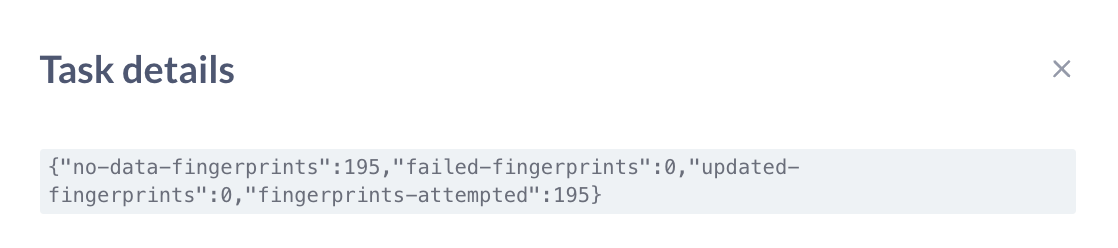
Hello Team I am currently facing challenges when I create a new table in snowfalke (connection already established with Metabase) and try to access the fields using field filter. Once the table is created in Snowflake it reflects well in Metabase but the table is not shown under field filter when I try to use it in a variable in Metabase SQL. There is not problem with the query that I am writing.
I have done the following troubleshooting steps but yet the problem did not get resolved:
- Went to Admin Portal
- Databases -> Selected the database -> Sync database schema now
- After 15 to 20 mins tried -> Re-scan field values now
- After sometime tried Table Metadata -> Selected the Schema -> Selected the table -> Settings -> Re-scan this table
I have faced this problem earlier too, usually it take 10 to 12 hours to get the table updated in the field filters but that should not be the cases as I am manually triggering it.
Can you help me with this issue?