Hi, the “Visualisation Options” button has disappeared (I’m on 1.56.11) from some widgets It’s still there for e.g. the number widget. This means I can’t reset this chart back to default settings (the “Visualise this another way” doesn’t have it either).
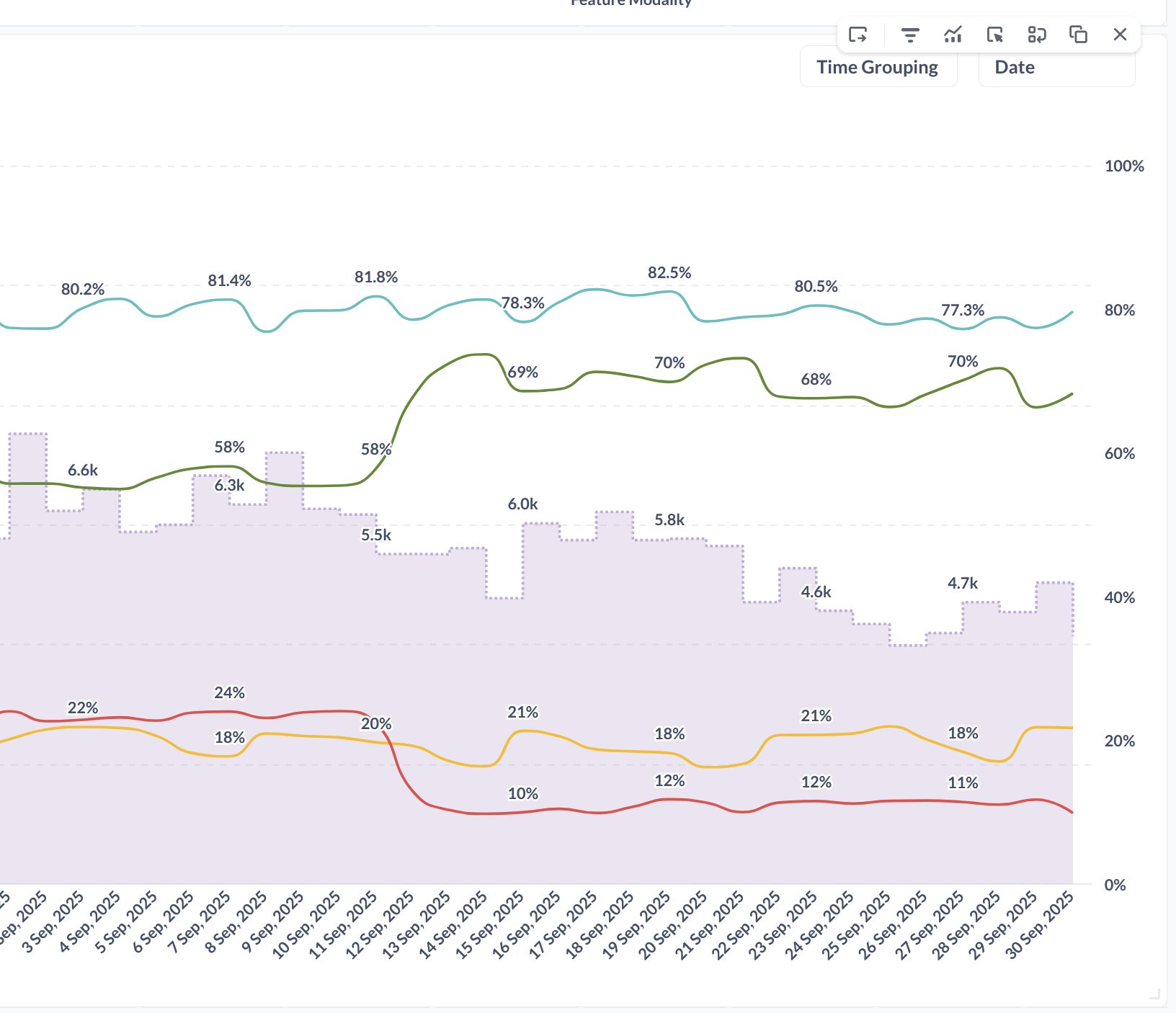
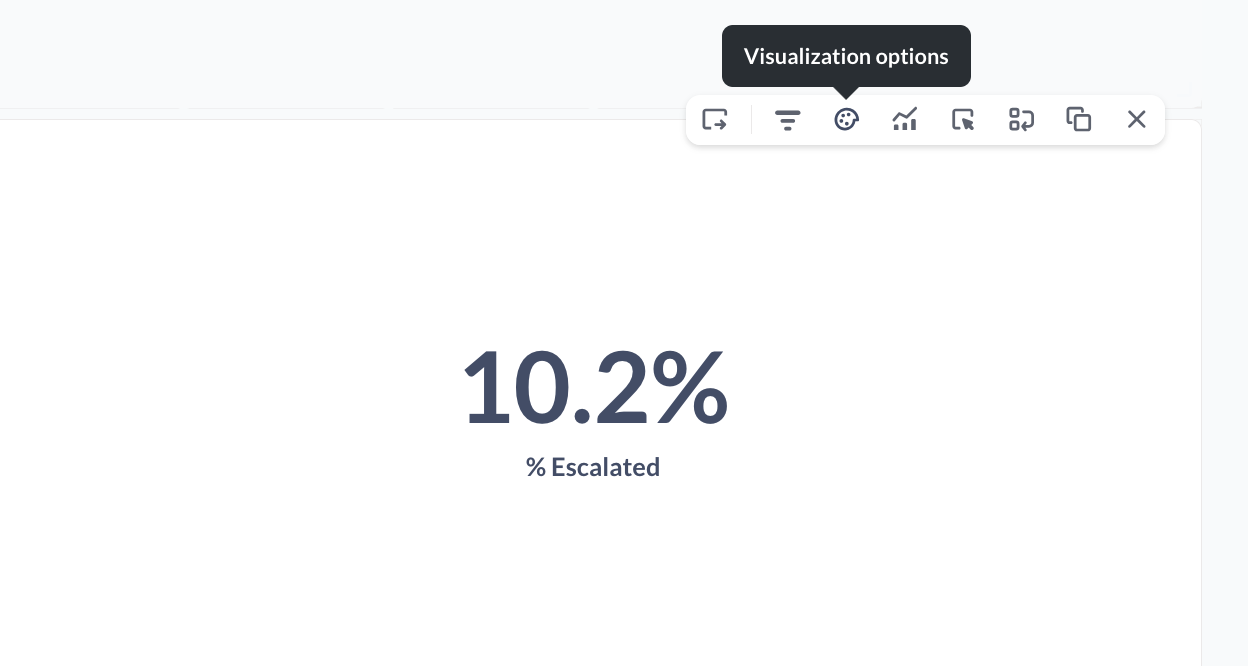
This also means I need to save the chart as a duplicate and replace the other manually in order to make changes.
I’ve had this happen on upgrades, 56 was particularly traumatic because of the introduction of the store-questions-in-dashboards feature.
The fix is to replace the question with itself. You can do this directly, you don’t have to duplicate the question, just click Replace in the hover menu and find the question again in the browser box. The replace process resets the dashboard card configuration and will restore the viz options. It will restore the viz settings back to the question’s settings, though, so you’ll have to re-customize if that dashboard is using different settings than the question.
If you want to edit the question, click the title.
Thanks
Some related issues:
- In the Pie Chart, “Edit visualisation” opens the same chart type, and so I can access configs there. Fine.
- In the number chart, "Viz another way” (same icon as “Edit visualisation” ) opens the same chart type.
- In the Sankey chart “viz another way” opens a different chart type (a bar chart in my case). Fine in isolation, but different behaviour from above. There is the paint palette this time though, however opening this contains different options to what’s shown when I click on the chart when not in Edit Dashboard mode.
- In a table, “viz another way” opens a different chart type. It has the paint palette, which has all the toggle configs needed (e.g. show row index, pagination etc), but when clicking on the chart when not in Edit Dashboard mode, the editor there only has “Show row index” (screenshots below).
- Some do/don’t contain the ability to reset to default
It’s absolutely all over the place. This needs fixing as it makes dashboarding a confusing mess.
Also, “Visualise another way” - what does this add that the existing editor doesn’t? It’s poor and looks half-finished.