Hi,
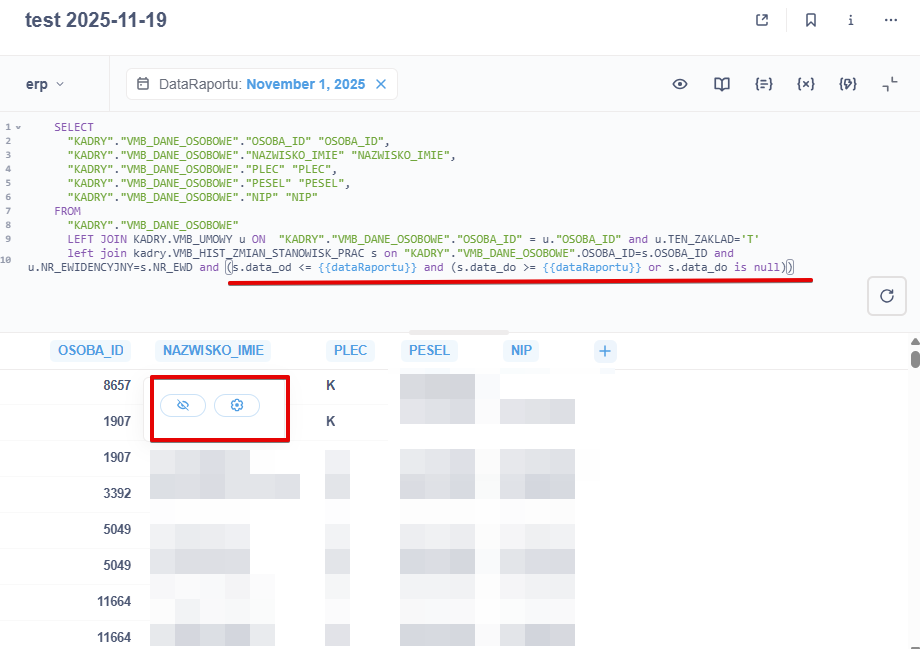
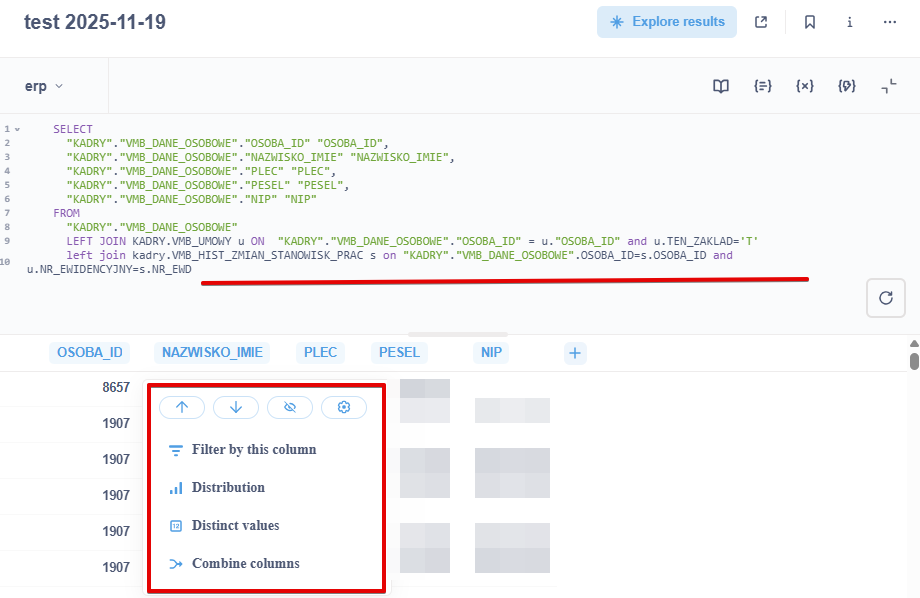
after Metabse update filtering column in sql queries is missing
before:
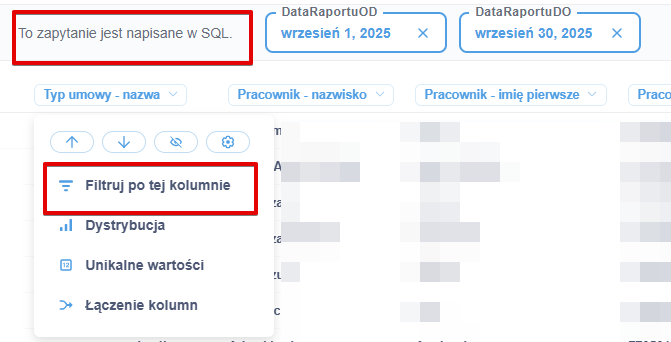
after:
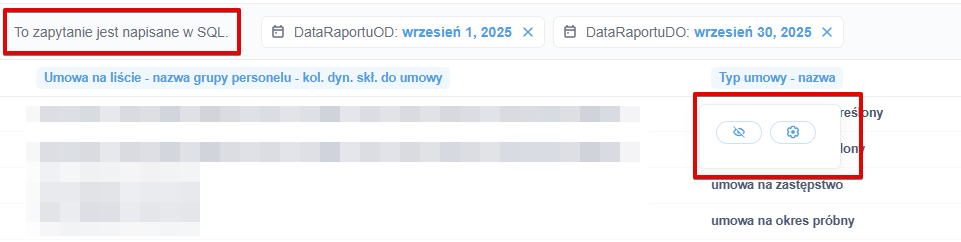
pls help.
Check the source column type in the table metadata panel in Admin. The options won’t appear if the column is a type opaque to Metabase (i.e., enum).
It doesn’t work for all column types.
What database engine and version are you querying?
"Oracle Database 19c Standard Edition 2 Release 19.0.0.0.0 - Production
Version 19.20.0.0.0"
Metabase: 0.56.11.
What Oracle JDBC jar are you using?
I can test Oracle 23ai when I get home.
I don’t know jar version, on previous version metabase filtering work fine.
Got a chance to research this, and I don’t think this is a bug or any changed functionality.
You can’t change filter options on a SQL question until the question is saved. Your screenshots show an unsaved SQL question, thus the options are missing. Using the filter option creates a new notebook question using the original question as the data source, and adds a filter to it, and the original question must be saved to allow the secondary question to use it as a data source.
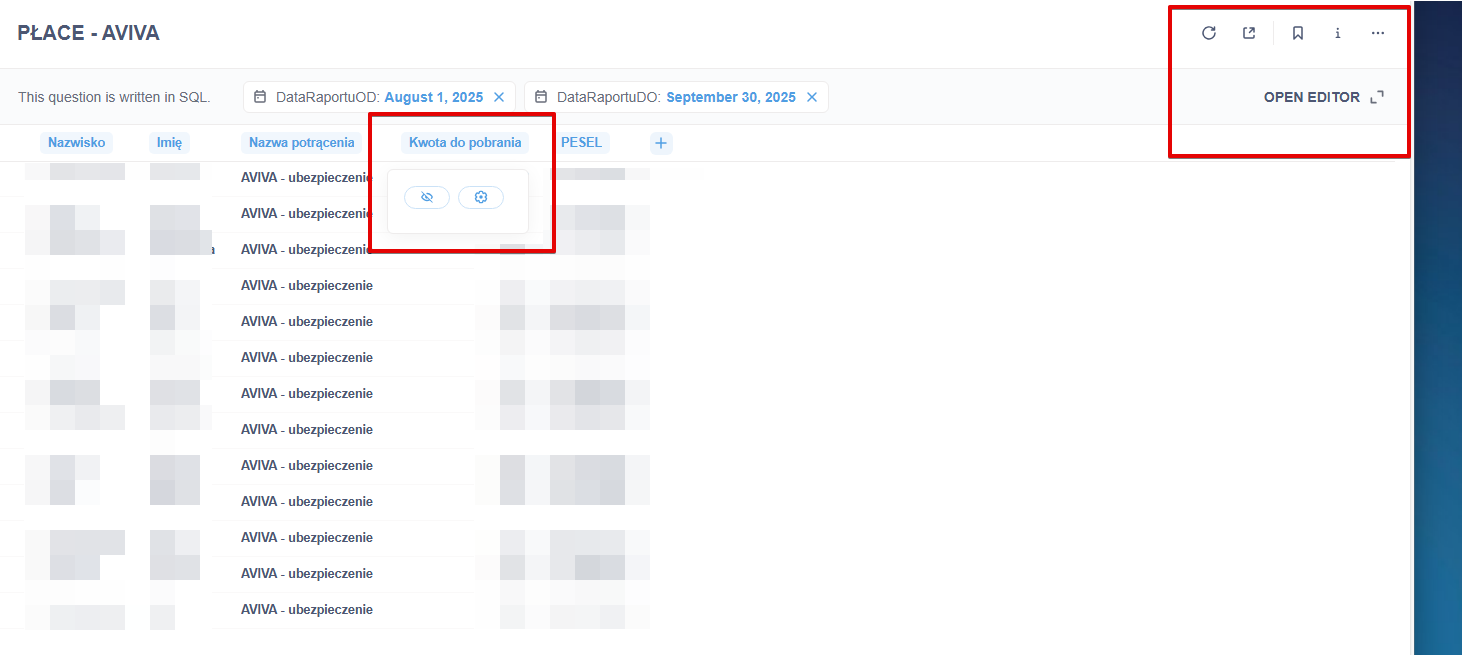
If you click a cell (and not a header), you get the “Save this question to drill-through” reminder. But if you click the header, all you can do is show and hide columns, as that’s handled by the browser and doesn’t actually change the query.
This happens on any database engine, not just Oracle.
I wasn’t able to reproduce your issue using Oracle example databases (HR, CO).
Can you provide the table schema?
Have you checked Table Metadata in Admin and verified the settings are correct?
Have you tried dumping browser cache, in case there’s some old frontend code cached in your browser?