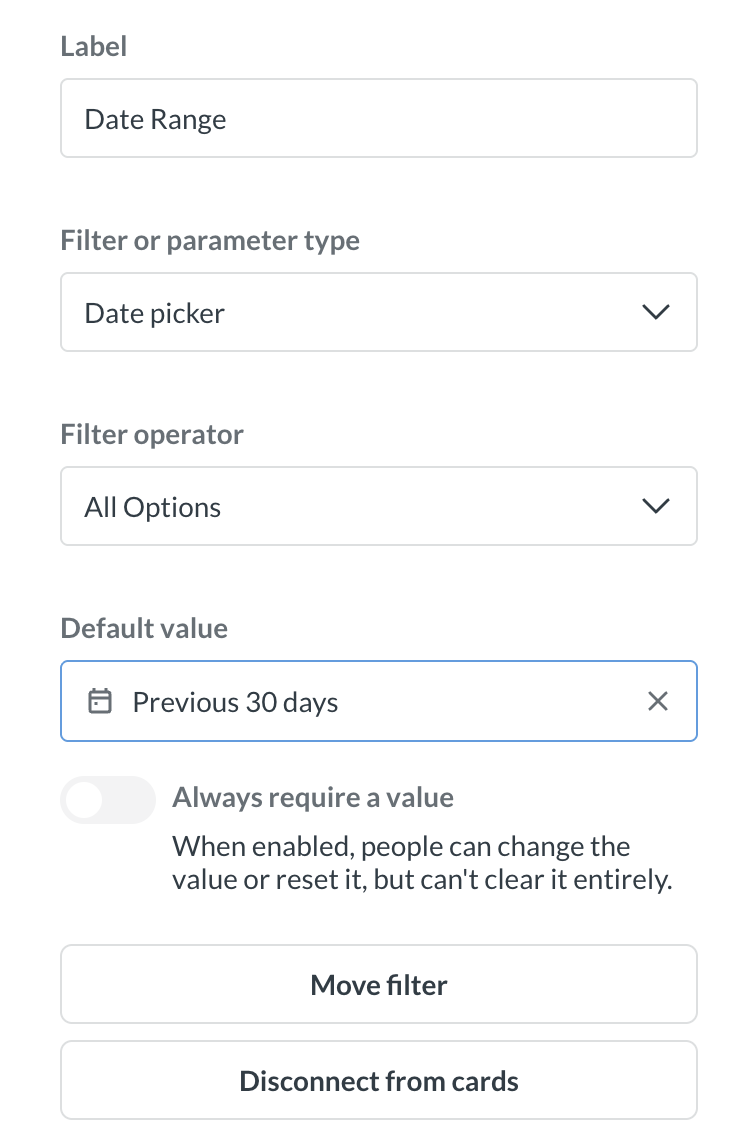
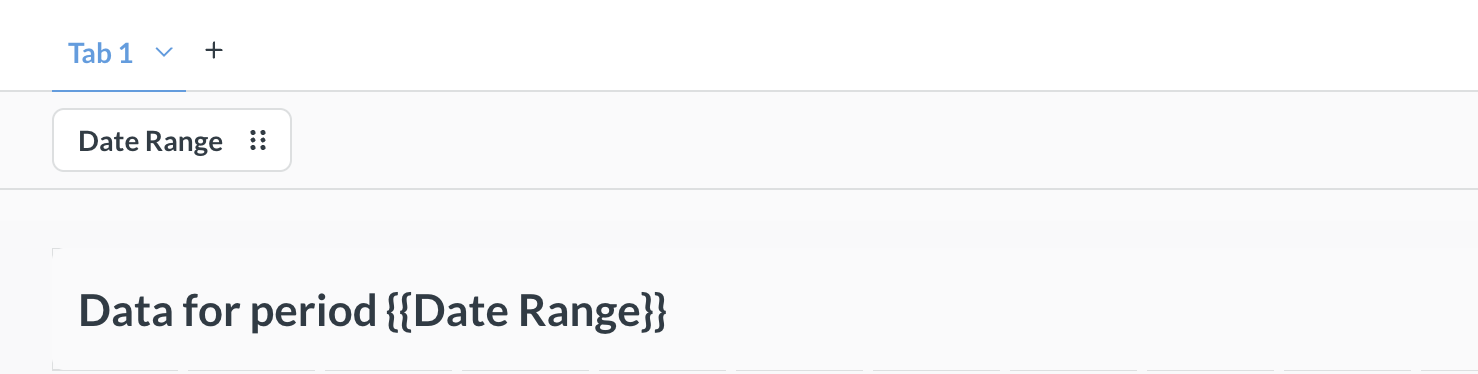
I wish to display the value of the date range used at time of running the report in a heading/text section at top of my dashboard, so I have entered this in the heading:
as you can see the heading is replaced with the above text label and there is no option to link the date range variable to the heading/text display.
I’ve already tried renaming the variable to just date, date_range, Date, etc. with no difference. My metabase version is using the latest released docker version as of today (“You're running Metabase 0.63.16.5 which is the latest and greatest!”)
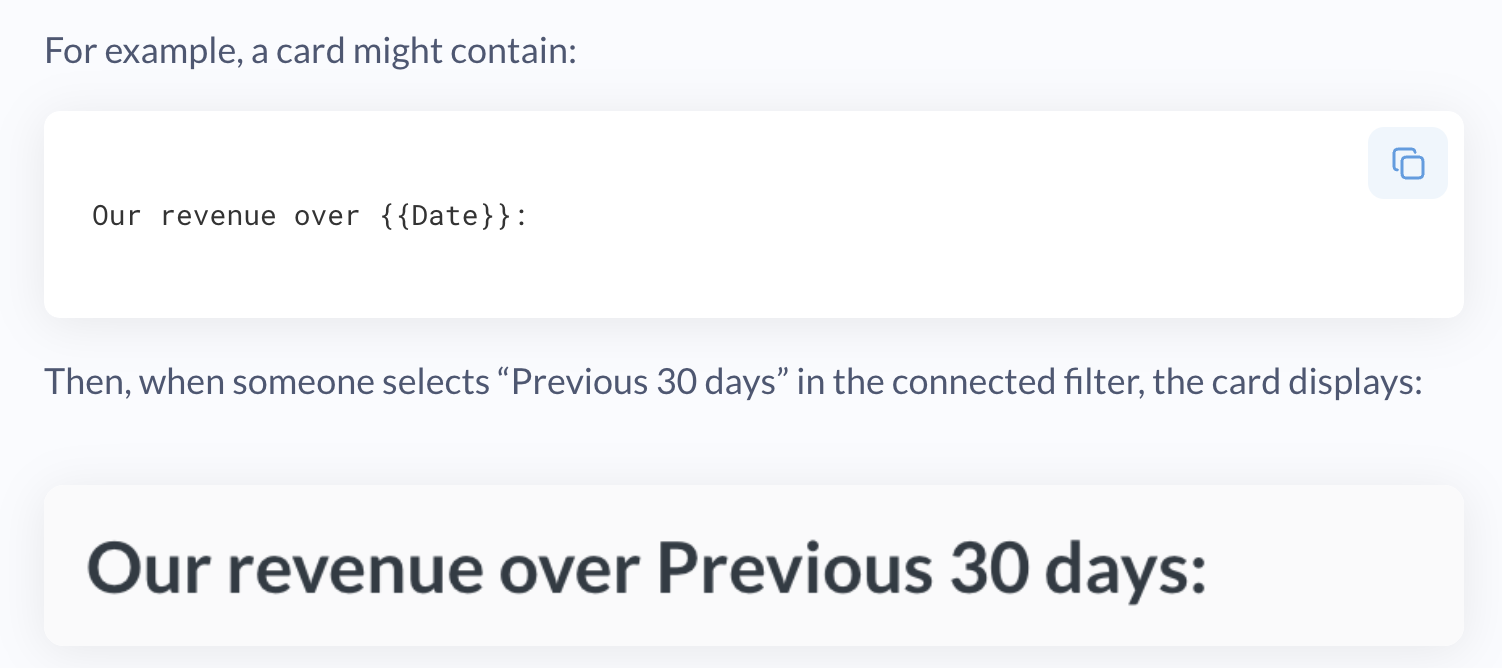
How do you make the heading to actually have the behavior demonstrated in the Metabase documentation article?? My goal is the same as the following. Or is this a bug in Metabase?
You have to attach the filter to the header card, like for other dashboard cards.
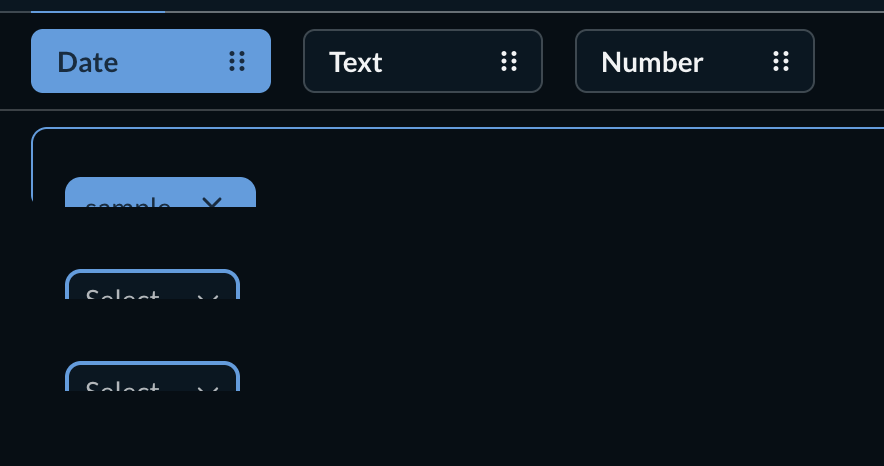
Go into edit mode and click the filter, then select the variable you want the filter’s value to display in using the dropdown in the header card.
In some cases the dropdown may be partially hidden or blocked like in the image below, if that happens temporarily expand the header card to reveal it.
Variable names can’t have spaces or dashes in the name. {{daterange}} is OK, {{date_range]] is also OK, {{Date Range}} or {{date-range}} is not.
The variable name doesn’t have to match the name of the filter, you’re going to connect it using that dropdown, so you can call it whatever you want as long as it conforms to the rules above.