I have a dashboard showing some key metrics, with optional filters for region/sales channel. I’d like to add sort of an “Overview” tab that shows some general stats, as well as linking to the metrics for a few select regions/sales channels. I can easily make a table that shows the items I want to link to. But if I use “Click behavior” and make it set the desired filter, I can’t also link to the other tab.
If I use a link to set both the desired filter and tab in the URL, then clicking the link does correctly switch the tab, but the filter doesn’t change. I can tell from the back button that the desired filter was pushed to the browser history, but then a redirect occurred to the previously saved filter value.
Is there another way to smoothly link to a specific filter and tab setting on a dashboard, other than opening in a new browser tab or something to prompt a full page load?
Could you share a screen recording or some screenshots of what you’ve configured and the behavior you’re seeing? Also, please share the troubleshooting information about your Metabase instance: Want to get help faster?. If you’re able to reproduce this with the Sample Database, that would be ideal.
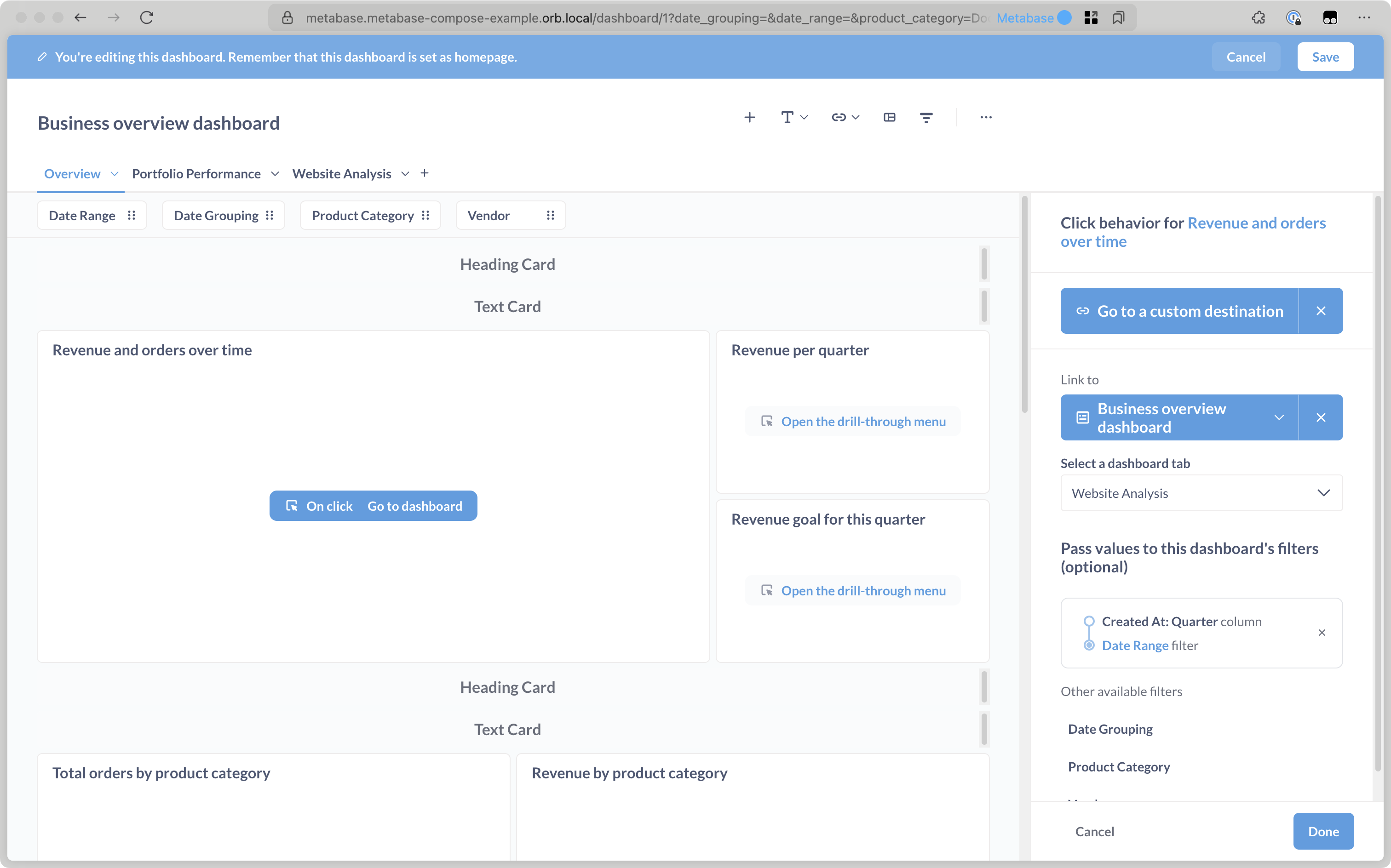
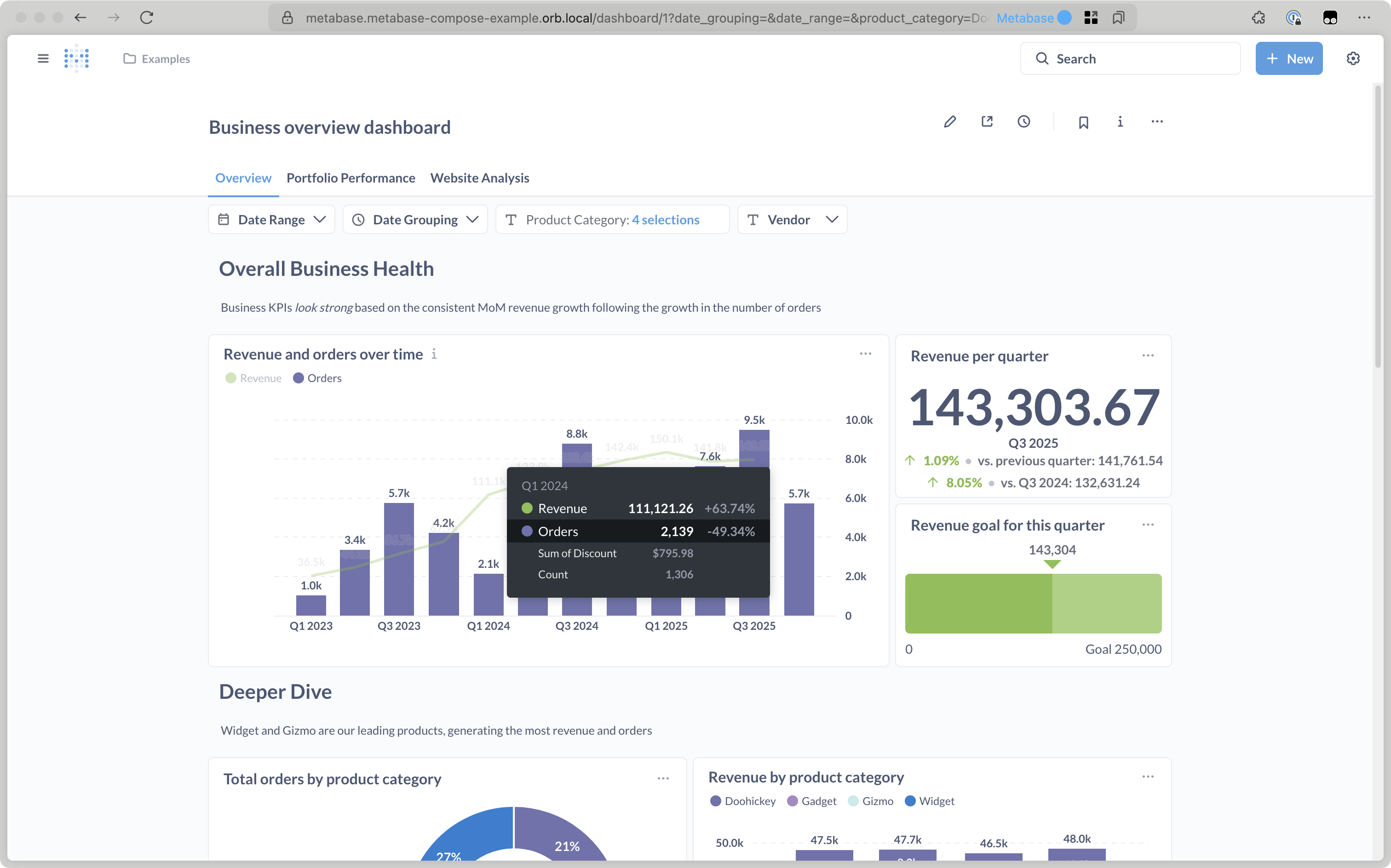
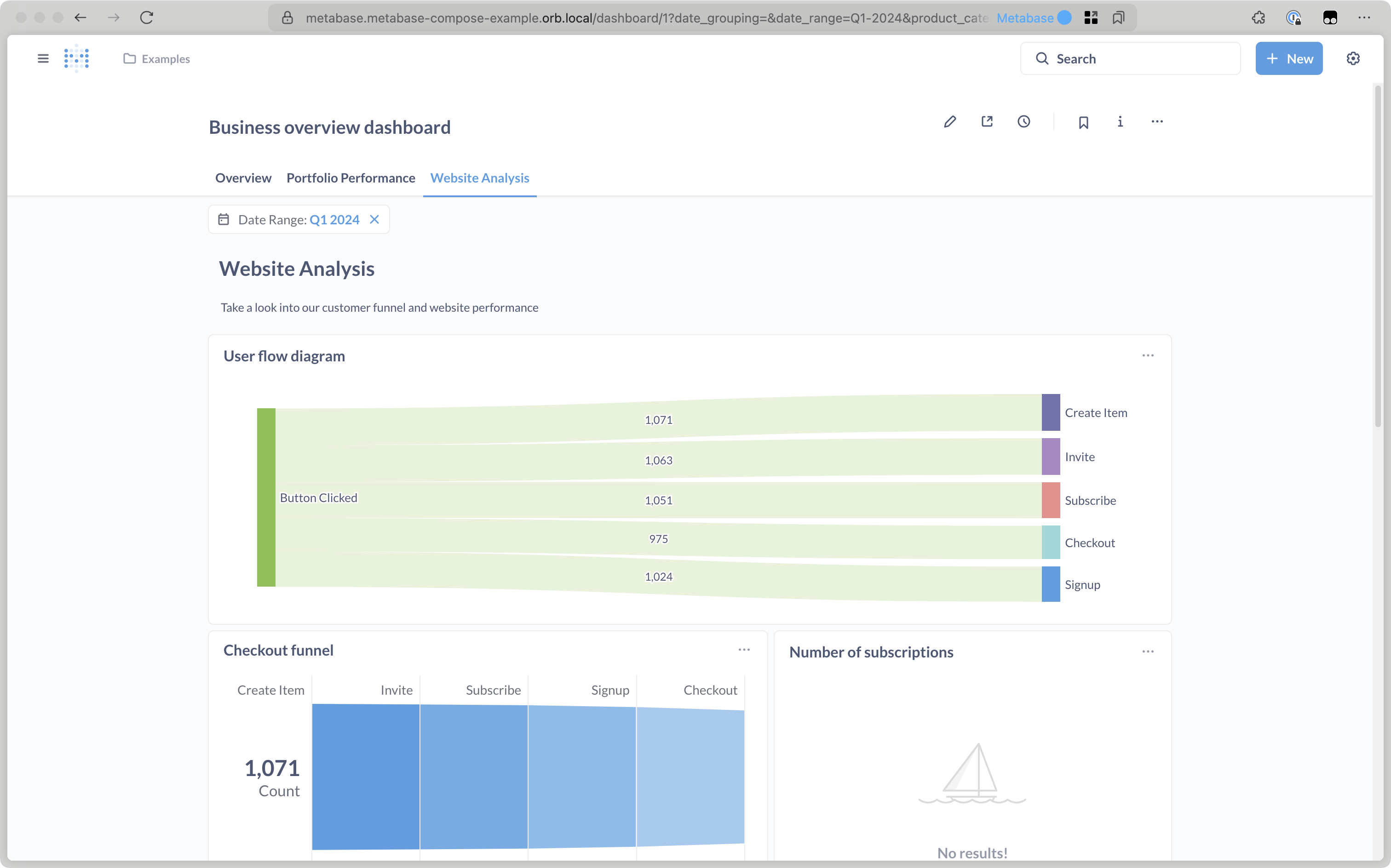
I’m not able to reproduce this myself. For example, I’ve set the “Revenue and orders over time” card to link to the “Website Analysis” tab on the same dashboard, with a Date Range filter:
Thank you, “Go to a custom destination” was what I was missing. I made my link by choosing to display a link and then constructing the dynamic URL by hand. Doing it your way worked, over and out!